> ## Documentation Index
> Fetch the complete documentation index at: https://docs.elasticfunnels.io/llms.txt
> Use this file to discover all available pages before exploring further.
# Brand the portal and its emails
> Give the portal your colors, logo, fonts, copy and links, and set the sender and content of the emails it sends affiliates.
The portal's **Branding** tab sets how the portal looks to affiliates and how its emails read. **Live preview**,
beside the fields, shows an approximate result before you save; **Open in new tab** shows the real portal.
## Look
| Section | Fields |
| - | - |
| **Visual identity** | Primary, Accent, Background, Text, Header background and Header text colors. Leave one empty to keep the default. |
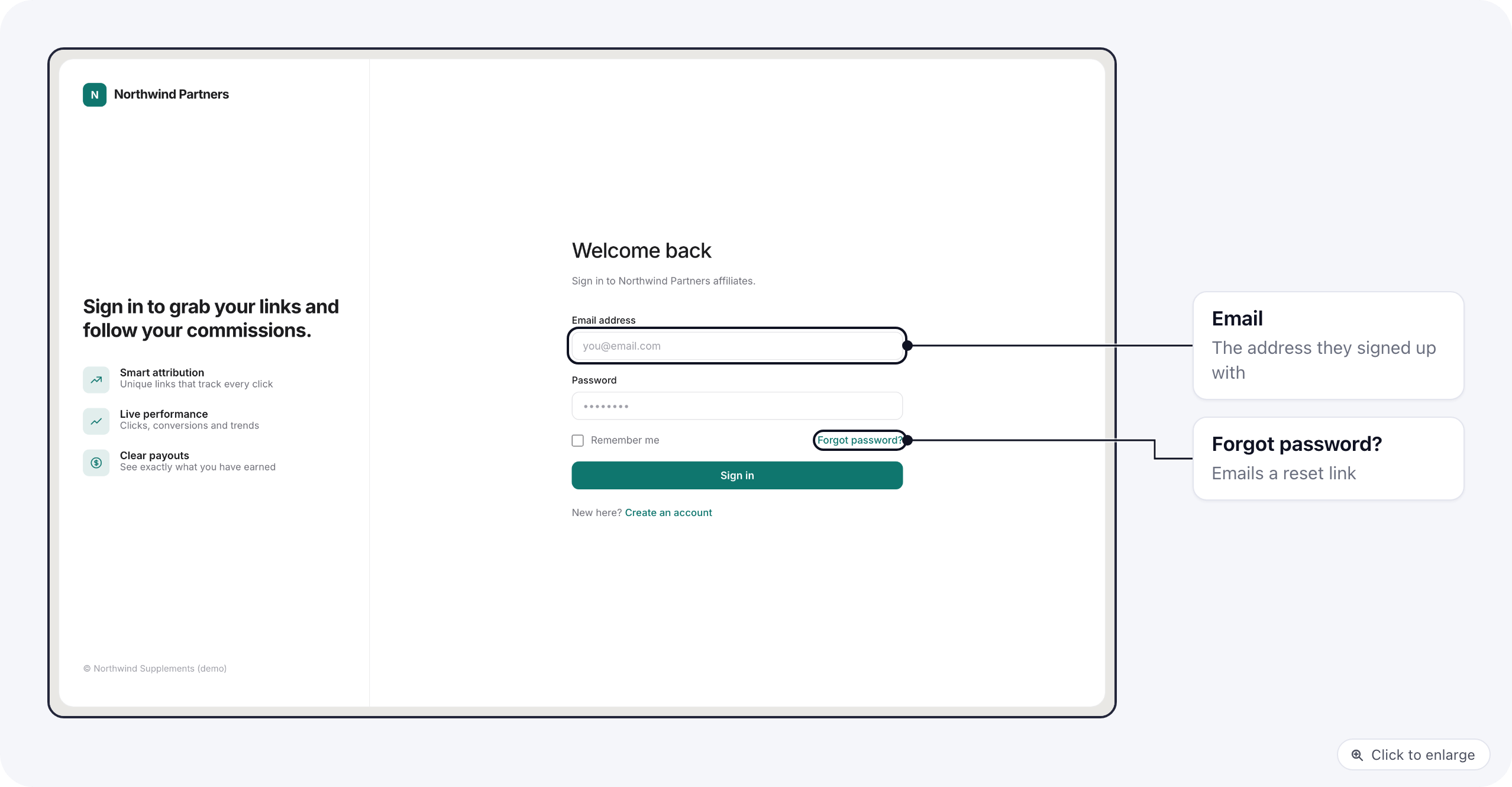
| **Logos and images** | Logo for light backgrounds, logo for dark backgrounds, Favicon, and the image beside the sign-in form. |
| **Typography** | Body and heading font family. For Google Fonts, also paste the font's `` tag into **Custom HTML (head)**. |
| **Copy and labels** | Header title, Footer text, and the Login subheading under the sign-in title. |
| **Support and legal links** | Support, Terms and Privacy URLs, shown to affiliates on the portal. |
| **Advanced** | Custom CSS, Custom HTML (head) for fonts or analytics, and Custom HTML (footer) for a chat widget. |
Custom CSS and HTML are applied as is. Broken markup can hide parts of the portal or break it, so open the portal
in a new tab and check it after you save.
## Emails
Under **Transactional emails**:
* **From name** and **Reply-to**: the sender name affiliates see and where their replies go. Portal emails go out
from a no-reply address, so set a reply-to if affiliates should be able to answer you.
* **Welcome email (account created)**: the email an affiliate gets when you invite them or reset their password. Macros:
`{{ first_name }}`, `{{ last_name }}`, `{{ email }}`, `{{ portal_name }}`, `{{ login_url }}`,
`{{ temp_password }}`, `{{ is_reset }}`.
* **Payout status email**: the email an affiliate gets when a payout changes status, and when a payout is held because
they have no payout details. Macros: `{{ first_name }}`, `{{ amount }}`, `{{ currency }}`, `{{ status }}`,
`{{ method }}`, `{{ brand_name }}`, `{{ payout_id }}`, `{{ created_at }}`, `{{ note }}`.
Each has a **Subject** and an **HTML body**. Leave a field empty to use the default email.
Every portal email, including the sign-up code and the password reset, carries the portal's logo, primary color
and name. The wording of the sign-up code email, and the approval email from each brand, are not changed here.
## Related
* [Set up the portal](/affiliate-portal/set-up)
* [Sign-up and sign-in](/affiliate-portal/affiliate-sign-up)
This documentation is built and hosted on [Mintlify](https://mintlify.com), a developer documentation platform.
 ## Look
| Section | Fields |
| - | - |
| **Visual identity** | Primary, Accent, Background, Text, Header background and Header text colors. Leave one empty to keep the default. |
| **Logos and images** | Logo for light backgrounds, logo for dark backgrounds, Favicon, and the image beside the sign-in form. |
| **Typography** | Body and heading font family. For Google Fonts, also paste the font's `` tag into **Custom HTML (head)**. |
| **Copy and labels** | Header title, Footer text, and the Login subheading under the sign-in title. |
| **Support and legal links** | Support, Terms and Privacy URLs, shown to affiliates on the portal. |
| **Advanced** | Custom CSS, Custom HTML (head) for fonts or analytics, and Custom HTML (footer) for a chat widget. |
## Look
| Section | Fields |
| - | - |
| **Visual identity** | Primary, Accent, Background, Text, Header background and Header text colors. Leave one empty to keep the default. |
| **Logos and images** | Logo for light backgrounds, logo for dark backgrounds, Favicon, and the image beside the sign-in form. |
| **Typography** | Body and heading font family. For Google Fonts, also paste the font's `` tag into **Custom HTML (head)**. |
| **Copy and labels** | Header title, Footer text, and the Login subheading under the sign-in title. |
| **Support and legal links** | Support, Terms and Privacy URLs, shown to affiliates on the portal. |
| **Advanced** | Custom CSS, Custom HTML (head) for fonts or analytics, and Custom HTML (footer) for a chat widget. |
 Every portal email, including the sign-up code and the password reset, carries the portal's logo, primary color
and name. The wording of the sign-up code email, and the approval email from each brand, are not changed here.
## Related
* [Set up the portal](/affiliate-portal/set-up)
* [Sign-up and sign-in](/affiliate-portal/affiliate-sign-up)
This documentation is built and hosted on [Mintlify](https://mintlify.com), a developer documentation platform.
Every portal email, including the sign-up code and the password reset, carries the portal's logo, primary color
and name. The wording of the sign-up code email, and the approval email from each brand, are not changed here.
## Related
* [Set up the portal](/affiliate-portal/set-up)
* [Sign-up and sign-in](/affiliate-portal/affiliate-sign-up)
This documentation is built and hosted on [Mintlify](https://mintlify.com), a developer documentation platform.