Someone can be a member of your organization and still have no brand to open. It happens when they joined automatically through your email domain, or when every brand was taken away from them.

What they see

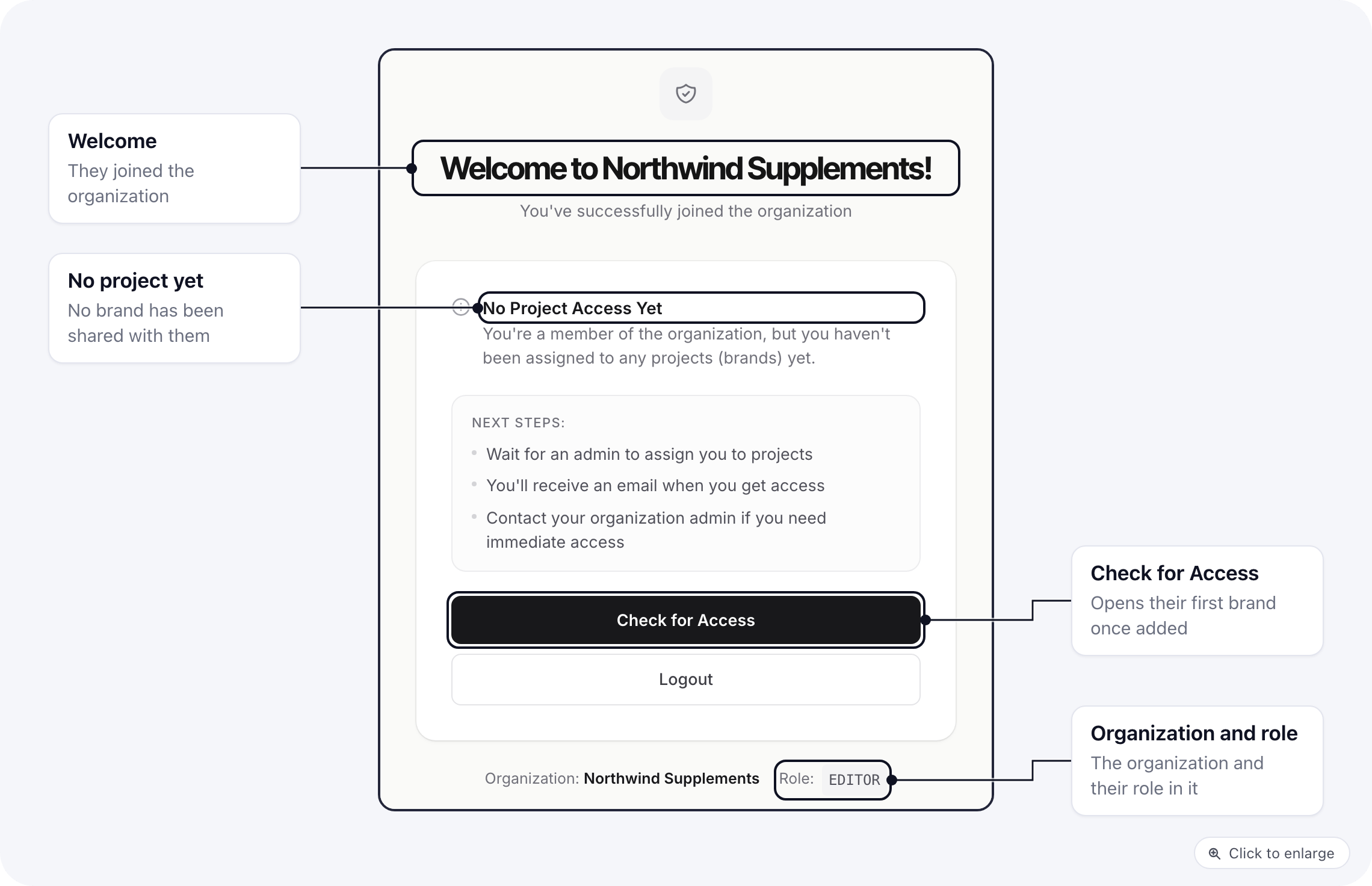
When they try to open one of the organization’s brands, they land on a waiting screen instead. The waiting screen for a member with no brand: a welcome to the organization, the No Project Access Yet message, the organization and role, and the Check for Access and Logout buttons It welcomes them to the organization, says No Project Access Yet, and shows their organization and role. Check for Access looks again: as soon as they have a brand, it opens that brand. Logout signs them out.
Give them a brand

An owner, or a member whose role can change members, does one of these: Then ask them to click Check for Access.

Stop it happening

People who join by domain always start without brands. If you would rather choose each person yourself, turn off Automatically join organization by email domain in organization settings and invite them instead; an invitation always includes at least one brand.