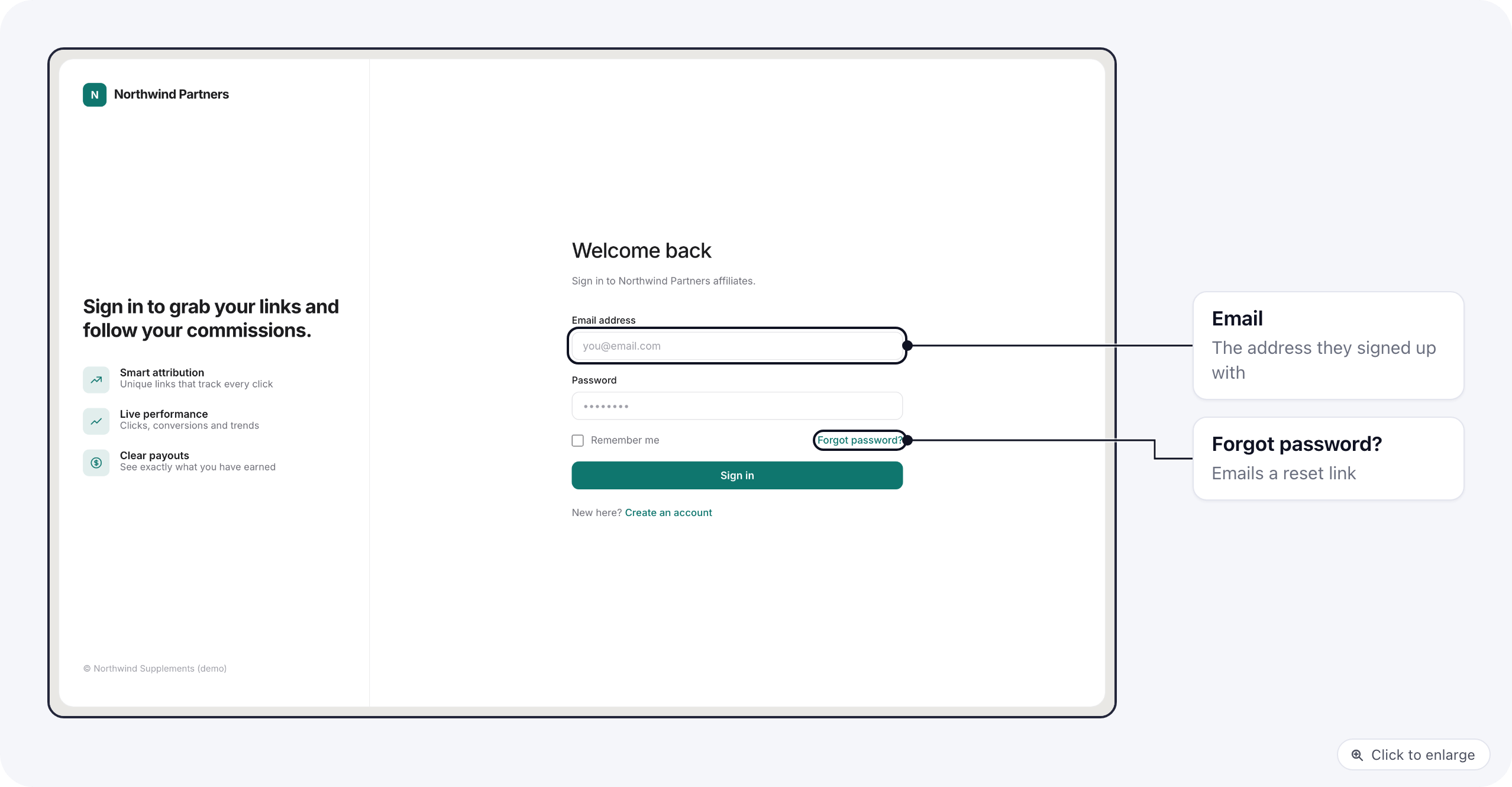
https://<your portal domain>/affiliates/register. The sign-in page is at /affiliates/login.
Sign up
The affiliate fills in Full name, Email address, Phone (optional), a Password of at least 8 characters and Confirm password, then clicks Create account.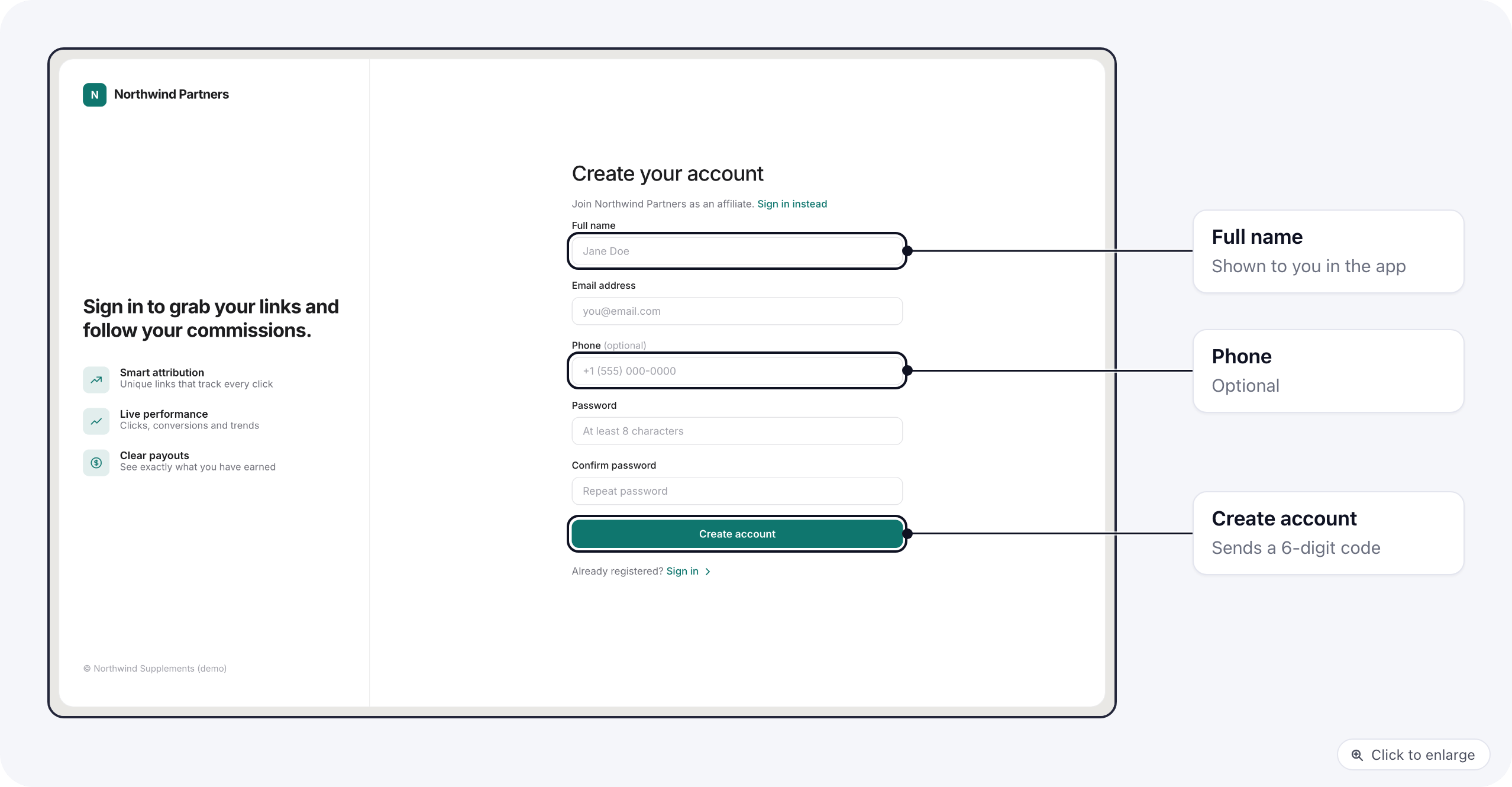
Confirm the email
The portal emails a 6-digit Verification code. The affiliate enters it on the next screen. The code is valid for 15 minutes; they can ask for a new one from the same screen.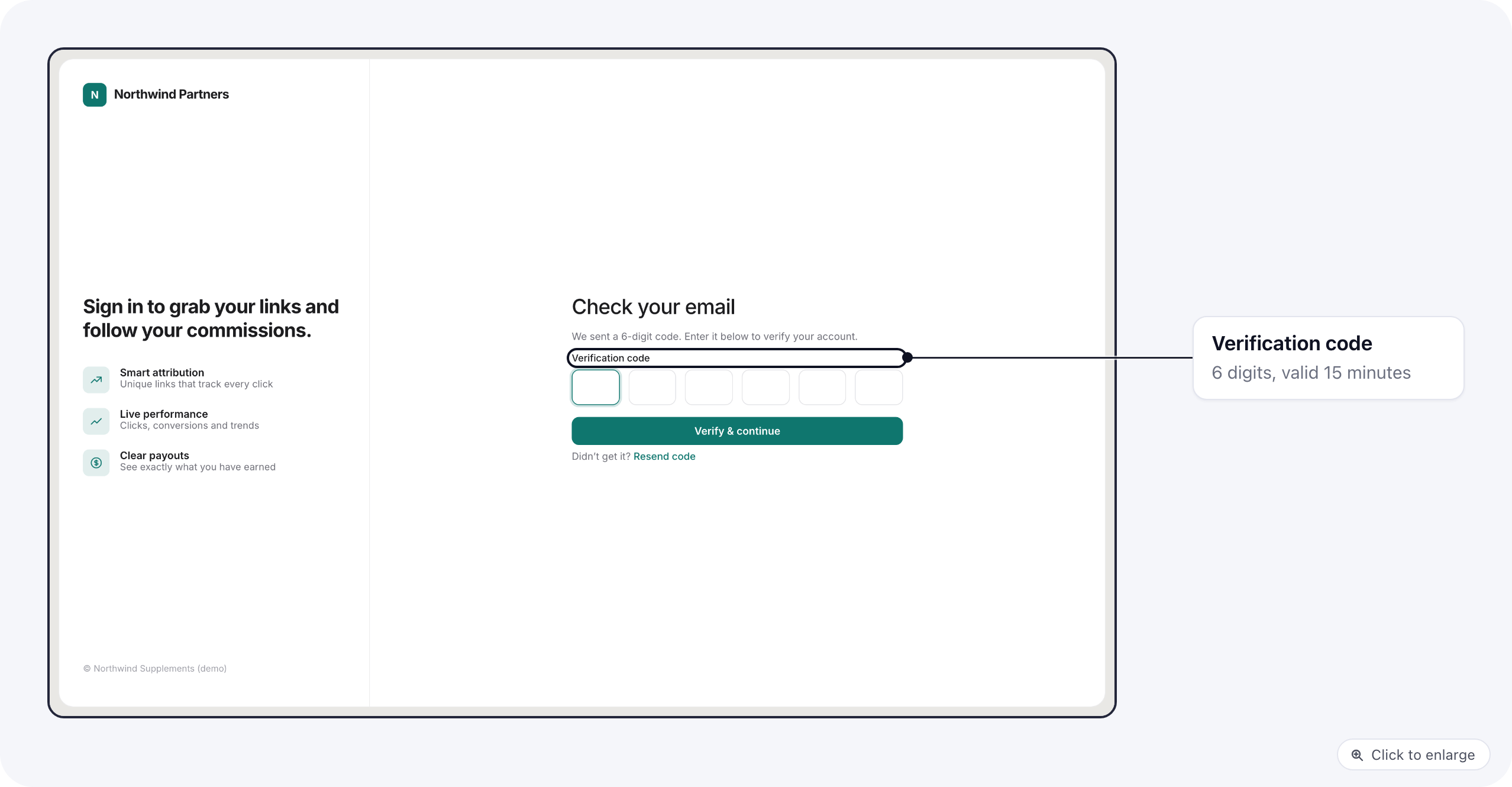
- The affiliate is put on every brand on the portal, each with that brand’s status after sign-up.
- Your organization’s admins get an email about the new sign-up.
- The affiliate is signed in and lands on the dashboard.
Waiting for approval
On a brand set to Pending approval, the affiliate waits until you approve them. They can sign in in the meantime, and a Waiting for approval notice at the top of the dashboard tells them what they can do now: finish their profile and payout details. Tracking links, creatives and swipes for that brand stay hidden until they are approved. You approve them on the affiliate’s Brands tab; see Approve an affiliate. The brand then emails them that they were approved, and the brand’s links and resources appear on the portal.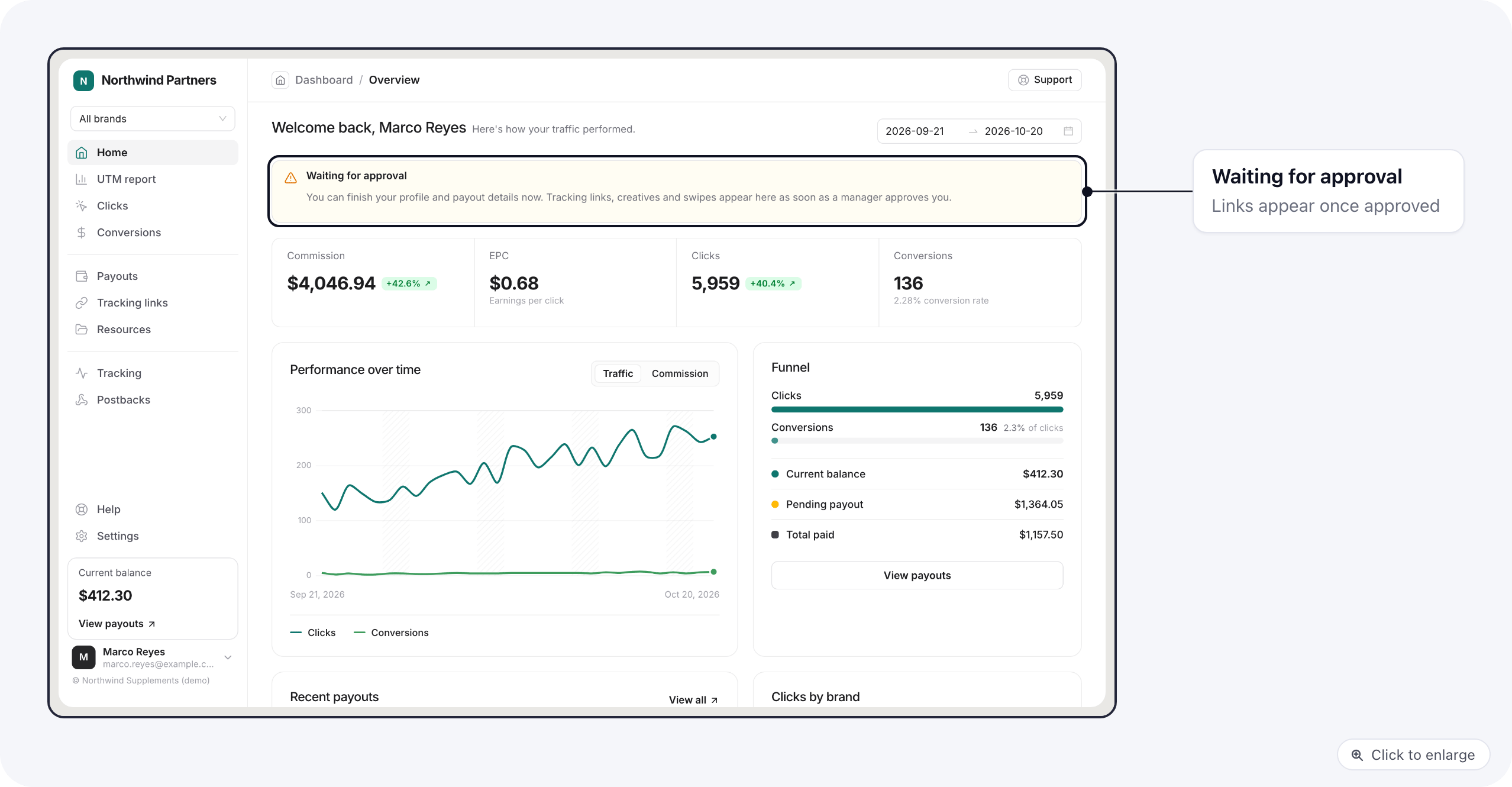
Sign in
Affiliates sign in with their email and password. Forgot password? emails them a link to set a new one.