
partners.example.com. It belongs to your
organization, so one portal can carry several of your brands and one affiliate login can promote all of them.
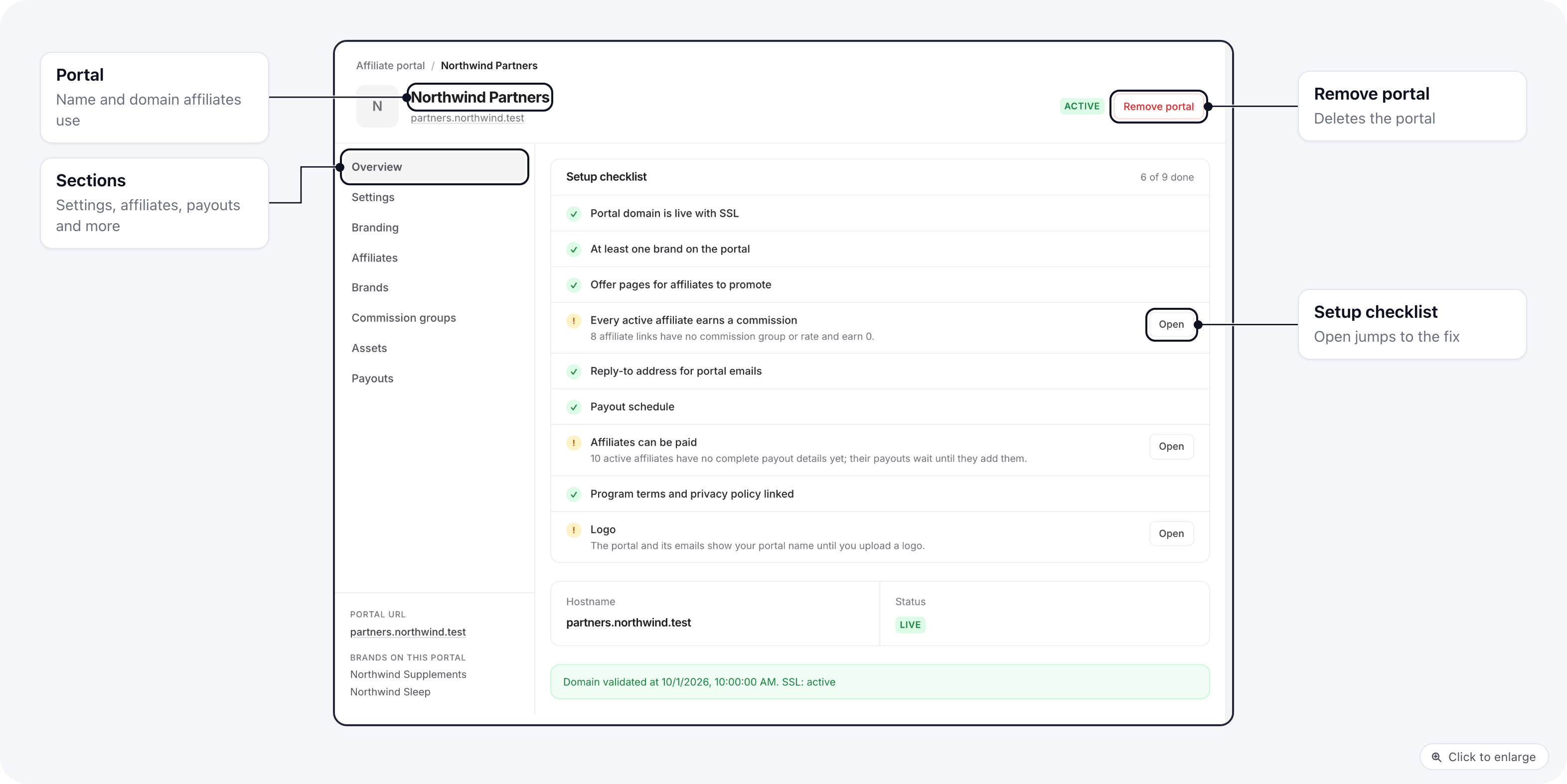
You run it from Organization settings → Affiliate portal. Your affiliates use it on the portal’s domain. The
Setup checklist on its Overview tab shows what is still missing before affiliates can promote and get paid.
How it fits together
- You create the portal on a custom domain, add the DNS records it shows and work through the setup checklist. See Set up the portal.
- You put brands on it. Affiliates can only promote the brands that are on the portal. Each brand sets the status a new sign-up gets. See Brands on the portal.
- Affiliates join. They sign up on the portal and confirm their email, or you invite them. See Affiliates and Sign-up and sign-in.
- They promote. Each affiliate builds tracking links to your offer pages and uses the creatives you publish. See Assets and Links and resources.
- You pay them. Commission groups set what they earn on each brand. Payouts are generated per affiliate per period, across all their brands. See Commissions and payouts.
The two sides
Portal affiliates and brand affiliates
A portal affiliate is one login in your organization. For every brand they promote, ElasticFunnels keeps an internal affiliate on that brand, with its own status and commission group. That is the record you see in the brand’s Affiliates list with the type Internal, and the one conversions are credited to. So an affiliate can be approved on one brand and still waiting on another. You can also link a brand’s internal affiliates to the portal from the brand side; see Internal affiliates.Related
- Internal affiliates: the brand side of the same affiliates.
- Affiliate postback URLs: postbacks you send to an affiliate’s endpoint.
- Roles and permissions