
Tracking
Tracking forwards the affiliate’s conversions on one brand to an ad platform. They click Add tracking, pick what to connect and the Brand it applies to: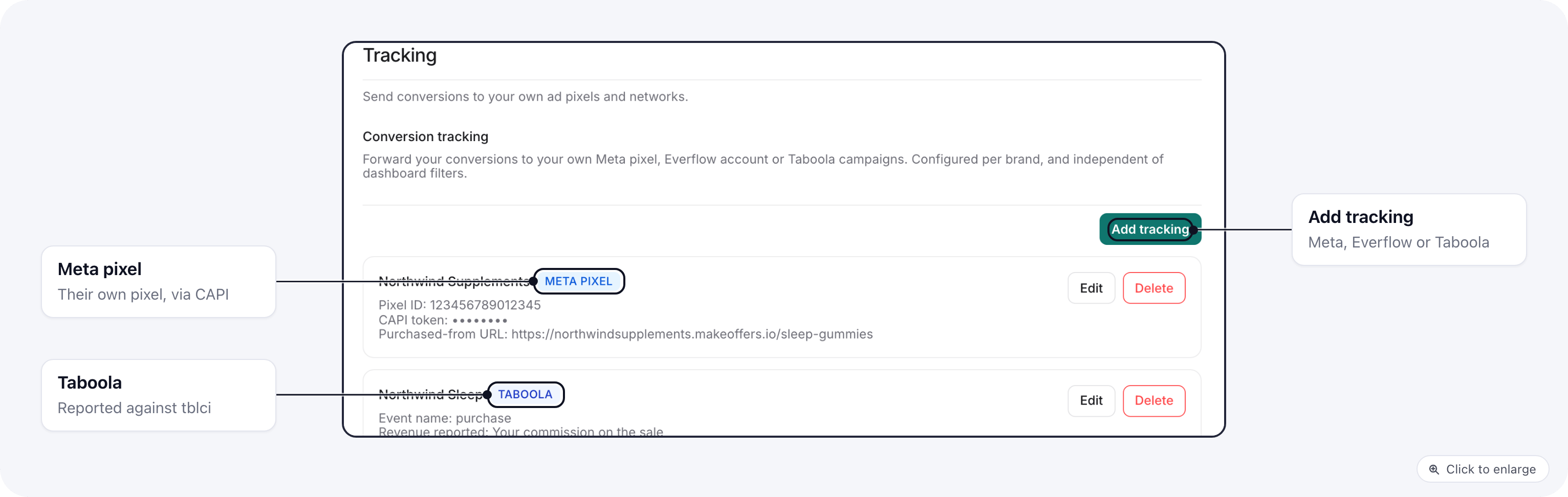
- Everflow macros:
{sub1}to{sub5}(the sub IDs from their link),{payout_amount}(their commission),{amount}(the order total),{currency},{order_id}and{event}. - Taboola needs
tblcion the landing URL. Taboola adds it when the campaign URL ends in?tblci={click_id}. Clicks without it are skipped, and refunds and chargebacks are not sent.
Postbacks
Postbacks sends the affiliate’s conversions to their own server. They are set per brand: each brand has its own endpoints, signing secret and delivery log. An affiliate on several brands picks one in the brand picker at the top of the page (or in the sidebar). With All brands selected the page asks for a brand and shows nothing to edit. Tracking follows the sidebar too: with a brand selected it lists that brand’s settings and Add tracking starts on it; with All brands it lists every brand by name and asks which brand a new setting is for.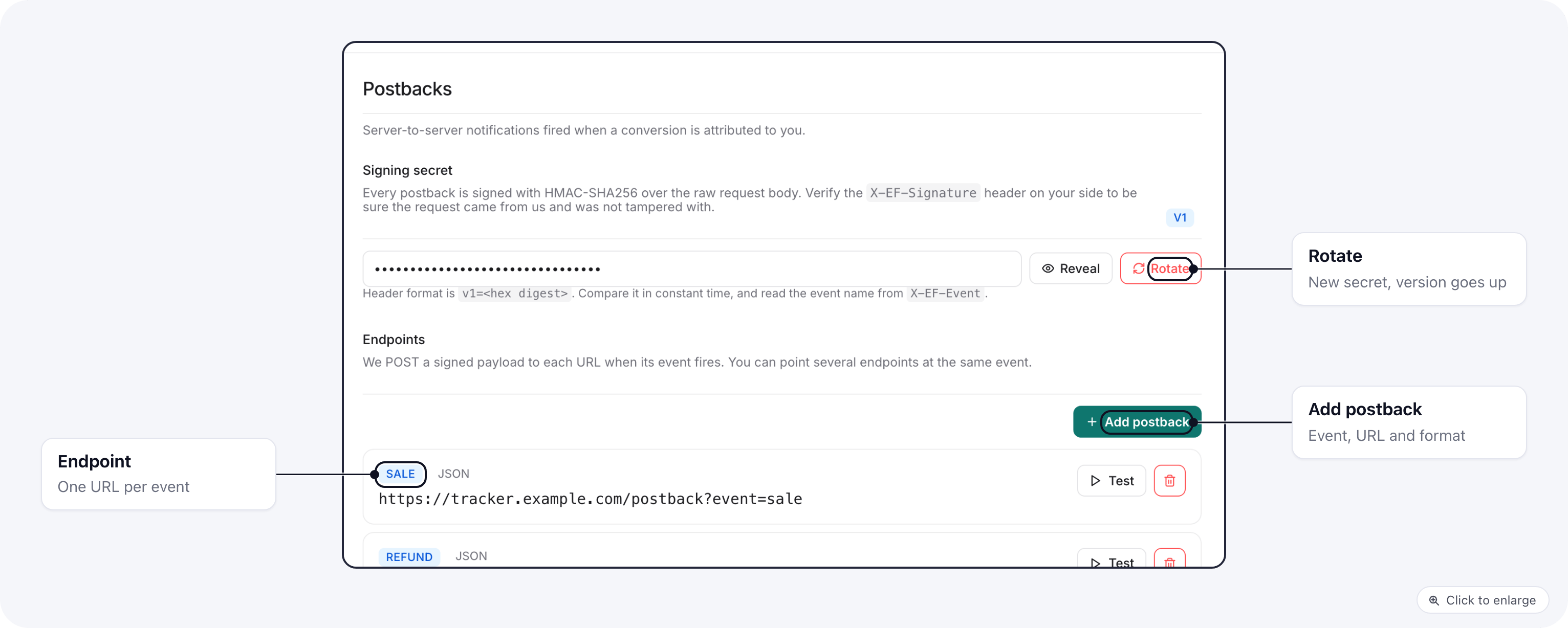
- Add postback: pick the Event type, the Endpoint URL and the Payload format (JSON or form-encoded). Send test posts a sample before they save.
- Events: Sale, Lead, Upsell, Rebill, Refund, Chargeback, Hold, Approve, Reject.
- Each request carries
X-EF-Eventwith the event, andX-EF-Signaturein the formv1=<hex digest>: an HMAC-SHA256 of the raw body with the Signing secret shown on the page. Rotate makes a new secret, and the version number goes up. - What we send lists the fields. Customer details are not sent.
- Recent deliveries shows the last 25 attempts, tests included, with their HTTP status.
Related
- Affiliate postback URLs: postbacks you set up for an affiliate from the brand side.
- Tracking links